
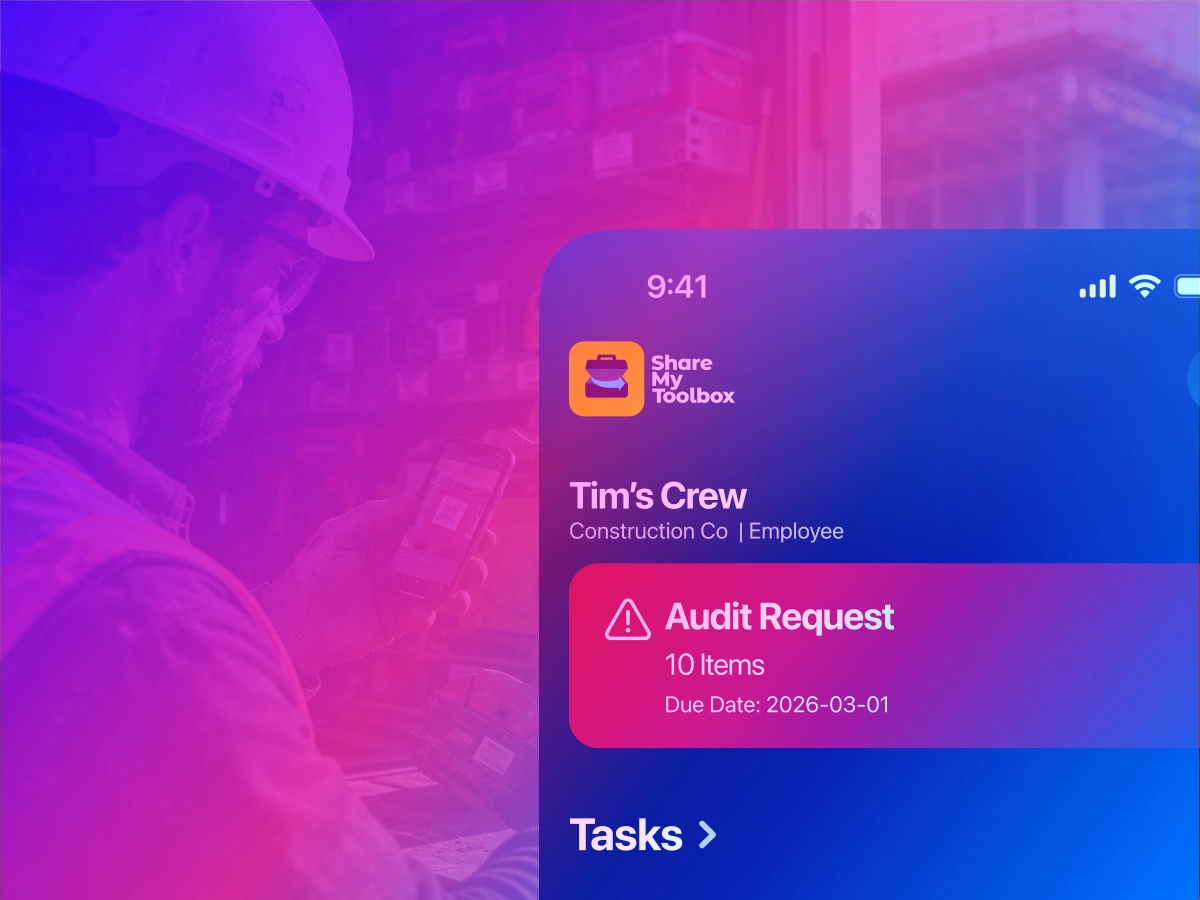
When most companies think about tool tracking software, they think about inventory. But for contractors and field-service teams, inventory is only part of the challenge. The real question is:
Can you actually verify who has tools, where they were last confirmed, what condition they’re in, and what happened over time?
That’s where audit reporting becomes critical.
Modern tool tracking software should do more than store a list of tools in a database. It should help operations leaders, warehouse managers, and field supervisors create accountability without slowing down crews.
In this guide, we’ll break down the most important audit reporting features to look for in tool tracking software. Especially for construction, field service, and multi-jobsite operations.
1. Mobile Barcode and QR Code Scanning
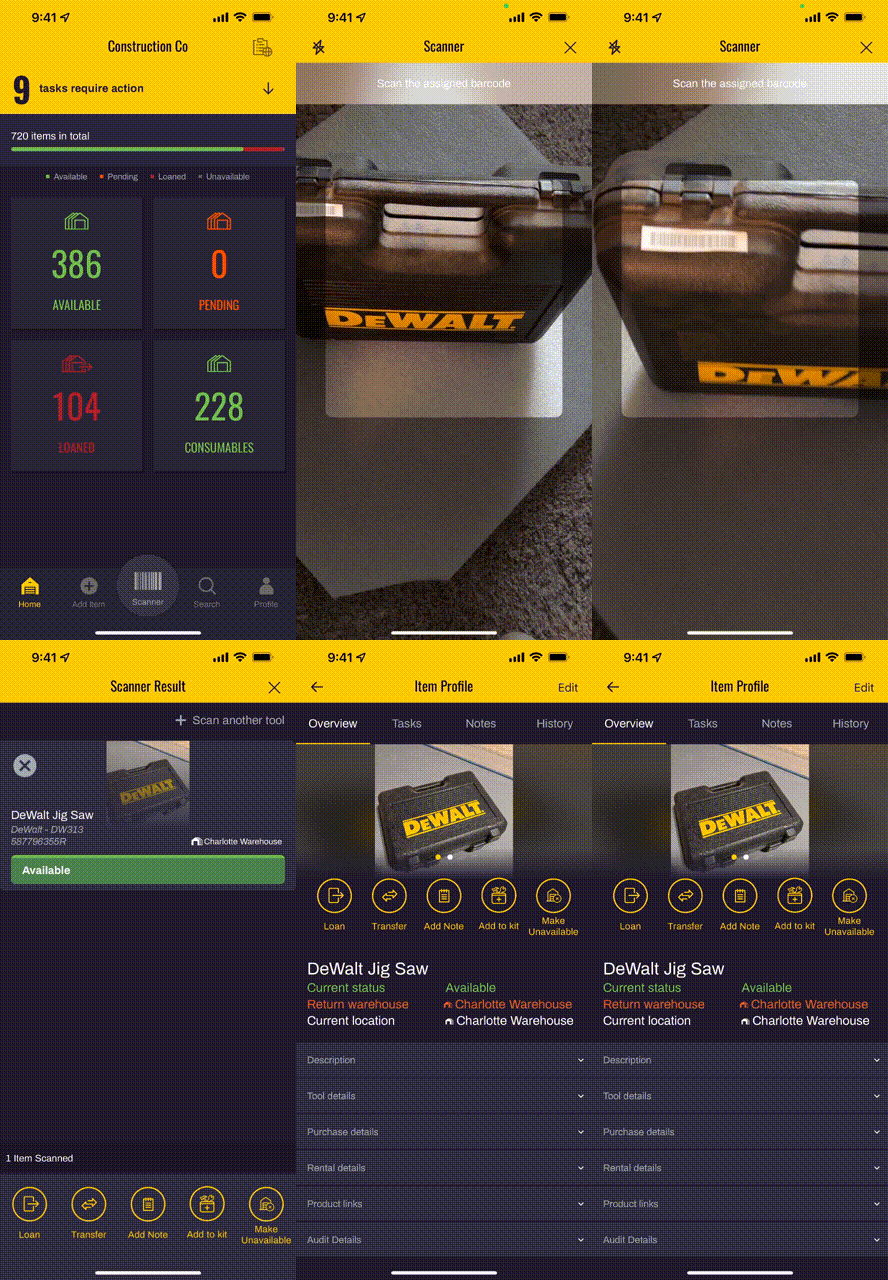
Audit reporting only works if the process is easy for field teams.
If crews have to manually type serial numbers or fill out spreadsheets, audits won’t happen consistently.
That’s why mobile barcode and QR code scanning is one of the most important features in a modern tool tracking platform.
With mobile scanning:
- Employees can confirm tools directly from a phone
- Supervisors can conduct spot audits on jobsites
- Scan history creates verification records
- Tool confirmation becomes faster and more accurate
Construction teams especially benefit from smartphone-based scanning because audits can happen in the field instead of back at the warehouse.
Platforms like ShareMyToolbox allow crews to scan asset tags directly from iOS and Android devices for quick confirmation and reporting.
2. Chain-of-Custody Transfer History

One of the biggest causes of tool loss is unclear responsibility.
Tools move constantly:
- Employee to employee
- Jobsite to jobsite
- Warehouse to field
- Foreman to subcontractor
Without a transfer history, accountability breaks down quickly.
Good audit reporting software should maintain a clear chain-of-custody log showing:
- Who had the tool
- When it changed hands
- Where it was transferred
- Whether the transfer was accepted
This creates operational visibility without requiring micromanagement.
For construction companies, this type of responsibility tracking is often more valuable than GPS trackers because it aligns with how tools actually move through crews and projects.
3. Scheduled and Automated Audit Requests
Many companies know they should conduct audits. But manual audit scheduling rarely scales.
The best tool tracking systems now include automated audit workflows.
This allows administrators to:
- Schedule recurring audits
- Audit by employee
- Audit by location
- Audit by tool category
- Set due dates and completion windows
Instead of stopping operations for a massive annual inventory count, teams can perform smaller continuous audits throughout the year.
ShareMyToolbox includes Smart Audit Rules that allow companies to automatically generate audit requests based on connections, locations, schedules, and assigned inventory.
This is especially useful for:
- High-value tools
- Calibration-sensitive equipment
- Safety gear
- Frequently transferred assets
4. Audit Trails and Historical Reporting
An audit is only useful if there’s a history behind it.
Tool tracking software should maintain searchable historical records showing:
- Audit dates
- Confirmation status
- Condition reports
- Scan confirmations
- Unconfirmed tools
- Found items
- Notes and comments
This creates a defensible audit trail that operations teams can reference later.
Historical reporting becomes valuable for:
- Internal accountability
- Insurance documentation
- Loss investigations
- Compliance programs
- Safety reporting
- Operational reviews
ShareMyToolbox includes exportable Item History and Audit History reporting with filters for dates, employees, locations, tool conditions, and confirmation types.
5. Condition Tracking During Audits
A tool audit shouldn’t only confirm whether a tool exists.
It should also confirm whether the tool is still usable and safe.
The best audit reporting systems allow field personnel to record:
- Tool condition
- Damage notes
- Repair needs
- Calibration concerns
- Maintenance issues
This helps companies move from reactive replacement to proactive maintenance management.
Condition tracking is particularly important for:
- Safety-sensitive tools
- Electrical testing equipment
- Calibrated devices
- Rental equipment
- Shared assets
In mobile-first systems, crews can often add condition updates while confirming tools during the audit workflow. (help.sharemytoolbox.com)
6. Multi-Jobsite Inventory Visibility
Construction companies rarely operate from a single warehouse.
Tools are constantly spread across:
- Jobsites
- Service trucks
- Temporary laydown yards
- Employee assignments
- Storage containers
- Regional branches

Audit reporting software should allow managers to filter and review inventory by:
- Current location
- Assigned employee
- Jobsite
- Warehouse
- Department
- Category
Without this visibility, audits become slow and difficult to manage.
Multi-jobsite filtering is especially important for contractors trying to reduce duplicate purchases caused by tools “disappearing” between projects.
7. Unconfirmed and Exception Reporting
Good audit reporting software doesn’t just show what was found.
It also highlights what was missing.
Exception reporting helps teams quickly identify:
- Unconfirmed tools
- Overdue audits
- Missing assets
- Unexpected scans
- Inventory discrepancies
This allows operations leaders to focus attention where accountability gaps exist.
For example, some systems separate:
- Confirmed items
- Unconfirmed items
- Found items that were scanned but not originally assigned to the audit
That type of reporting can reveal transfer issues and inventory assignment problems before they become major losses. (help.sharemytoolbox.com)
8. Exportable Audit Reports
At some point, most companies need to share audit information outside the platform.
That’s why export functionality matters.
Look for systems that allow audit exports to Excel or CSV for:
- Compliance documentation
- Insurance reviews
- Internal reporting
- Financial audits
- Safety meetings
- Maintenance planning
The ability to filter before export is also important so teams can generate focused reports by:
- Date range
- Employee
- Location
- Tool category
- Audit status
Exportable reporting gives companies flexibility without forcing them into rigid reporting structures.
9. Mobile-First Field Workflows

Many asset management platforms were originally designed for warehouses or desktop users.
Construction and field service operations work differently.
The best audit reporting systems are designed around:
- Crews in the field
- Quick scans
- Limited admin overhead
- Mobile-first workflows
- Fast confirmations
- Simple transfers
If a system requires heavy office administration to maintain accuracy, adoption usually suffers.
Mobile-first audit workflows help companies build accountability naturally into daily operations instead of creating separate inventory projects that crews avoid.
ShareMyToolbox was designed specifically for contractors and field teams, with audits, transfers, scanning, and reporting accessible from smartphones and tablets. (ShareMyToolbox)
Why Audit Reporting Matters More Than Ever
Tool tracking is no longer just about preventing theft.
For many contractors, audit reporting now supports:
- Operational accountability
- Safety initiatives
- Maintenance programs
- Cost control
- Insurance documentation
- Compliance readiness
- Productivity improvement
And as labor shortages continue across construction and field service industries, companies need systems that improve visibility without creating extra work for crews.
That’s why audit-ready tool tracking software is becoming a core operational system. Not just an inventory list.
Final Thoughts
The best tool tracking software for audit reporting should help your team answer key operational questions quickly:
- Who has the tool?
- When was it last confirmed?
- Was it scanned or manually verified?
- What condition is it in?
- Has it moved jobsites?
- Is the audit overdue?
- Is there a historical record?
If your current system can’t answer those questions easily, it may be time to rethink how your organization approaches tool accountability and audit reporting.
To learn more about mobile-first tool audits, barcode scanning, and construction inventory visibility, visit ShareMyToolbox.
